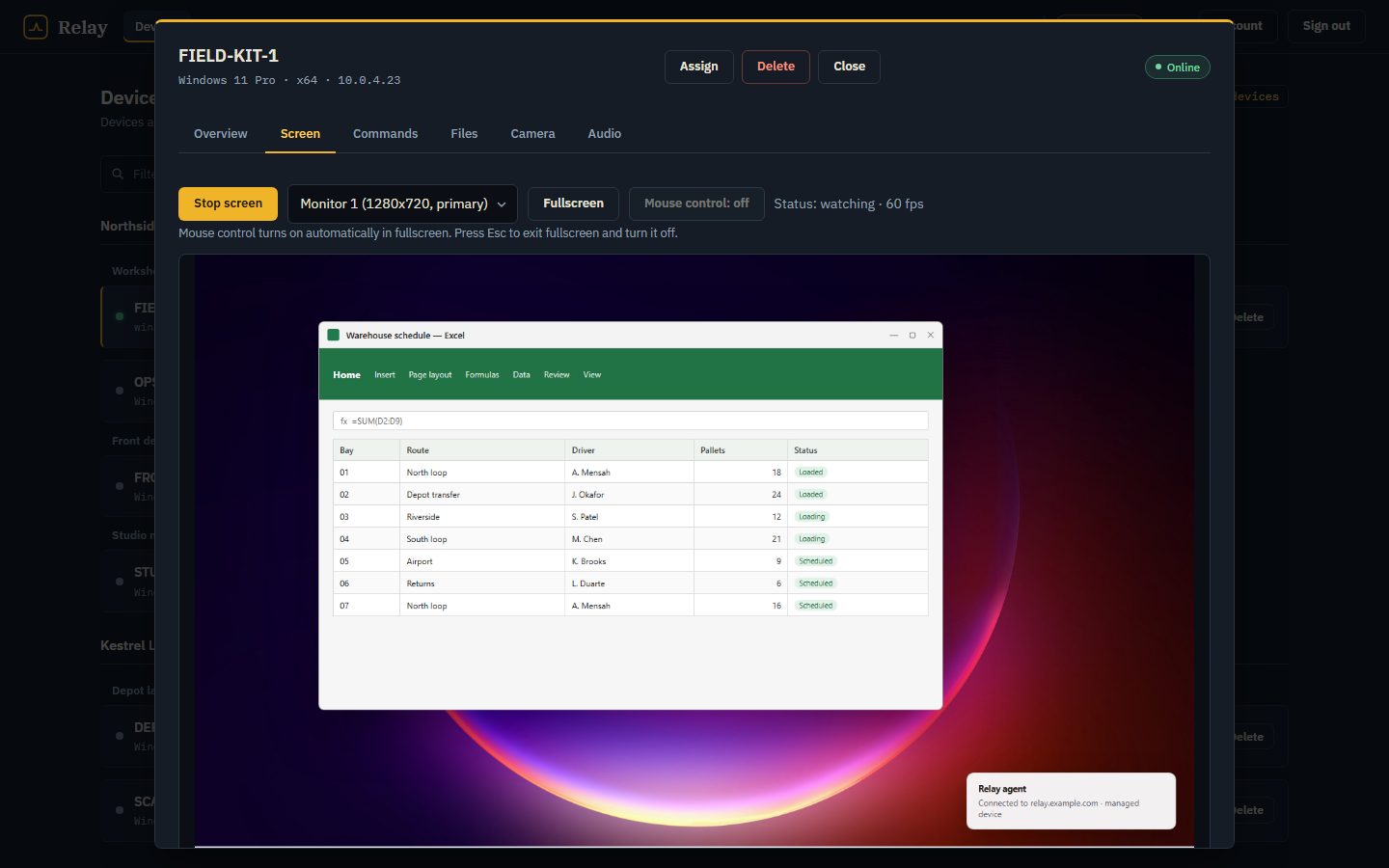
See the screen, take the controls
Stream a monitor or the whole desktop, then switch on mouse and keyboard control when you need to drive. Fullscreen turns control on; leaving it turns control off.
monitor picker · pointer input · keyboard input
Self-hosted. Your server, your devices, your data.
Relay is a control room for the Windows PCs you own or administer. Watch a screen, run a command, move a file, take a photo, build an installer — without a third party between you and the machine.
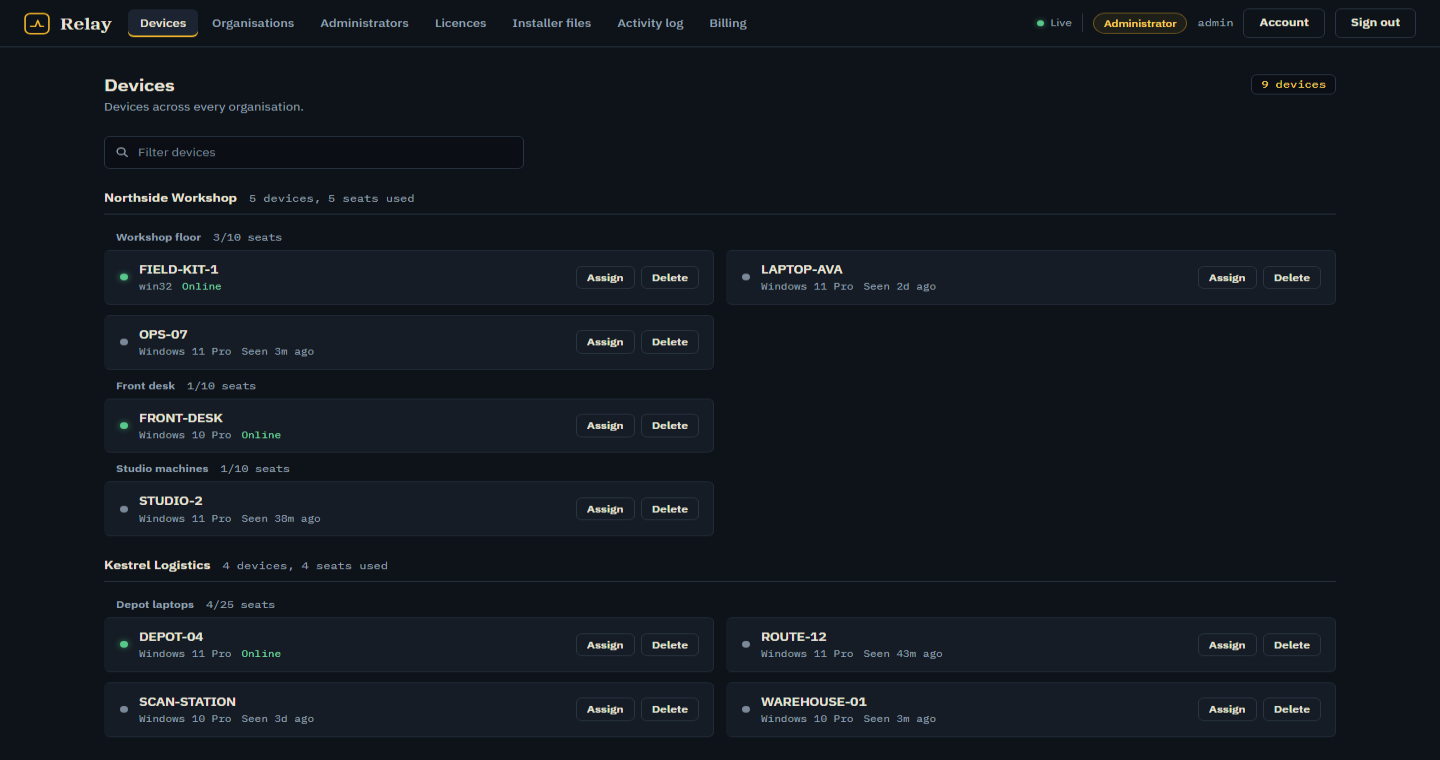
No dashboards for their own sake. Each view answers a question you actually ask when a machine is not where it should be.
Stream a monitor or the whole desktop, then switch on mouse and keyboard control when you need to drive. Fullscreen turns control on; leaving it turns control off.
monitor picker · pointer input · keyboard input
PowerShell commands run with the signed-in user's permissions. Output, exit code and timeouts come back in the console and the action is written to the audit trail.
powershell · stdout + stderr · audited
Browse the device's disks, upload a replacement, download a log. Folder paths behave like the machine they belong to, not a web abstraction.
browse · upload · download
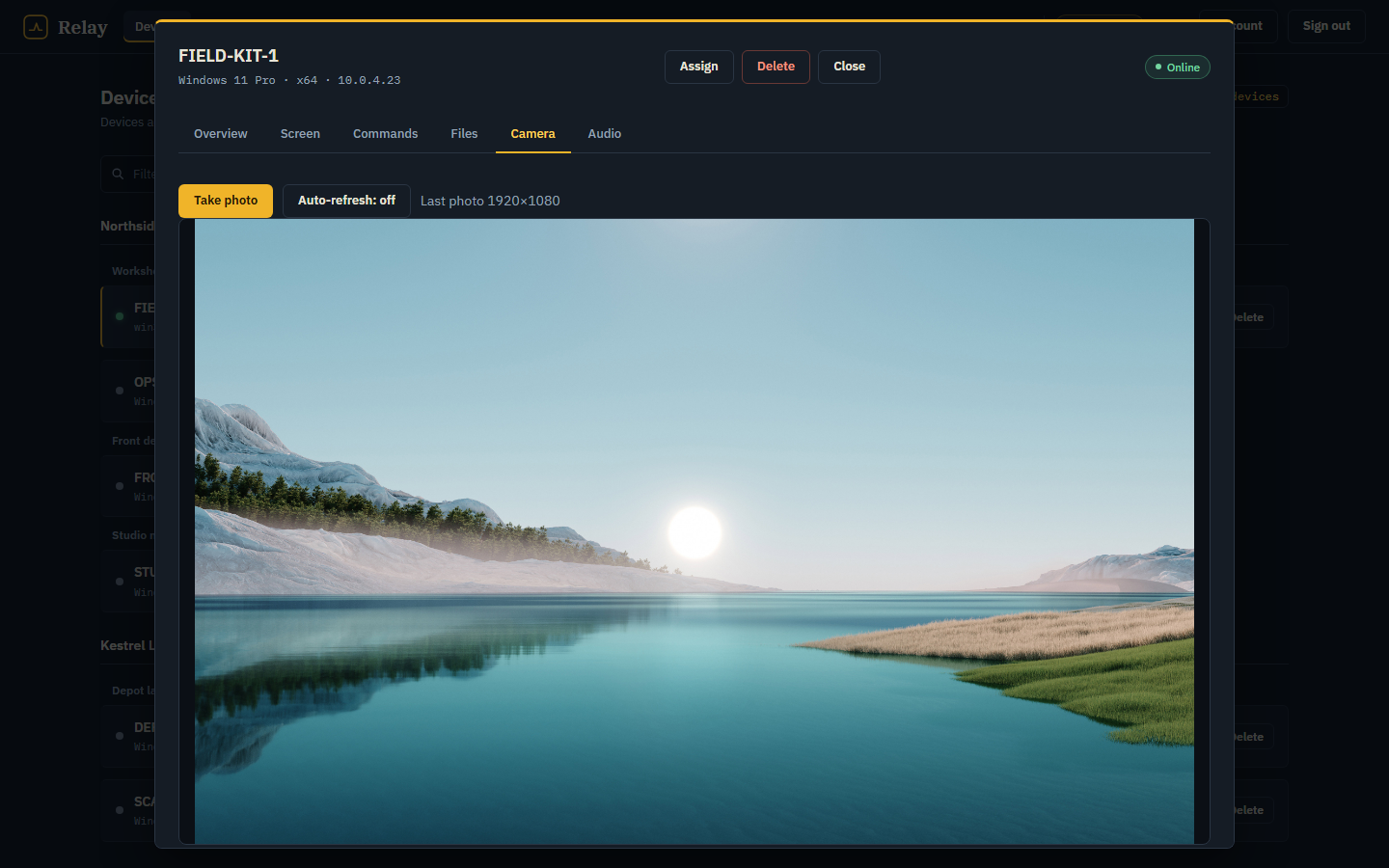
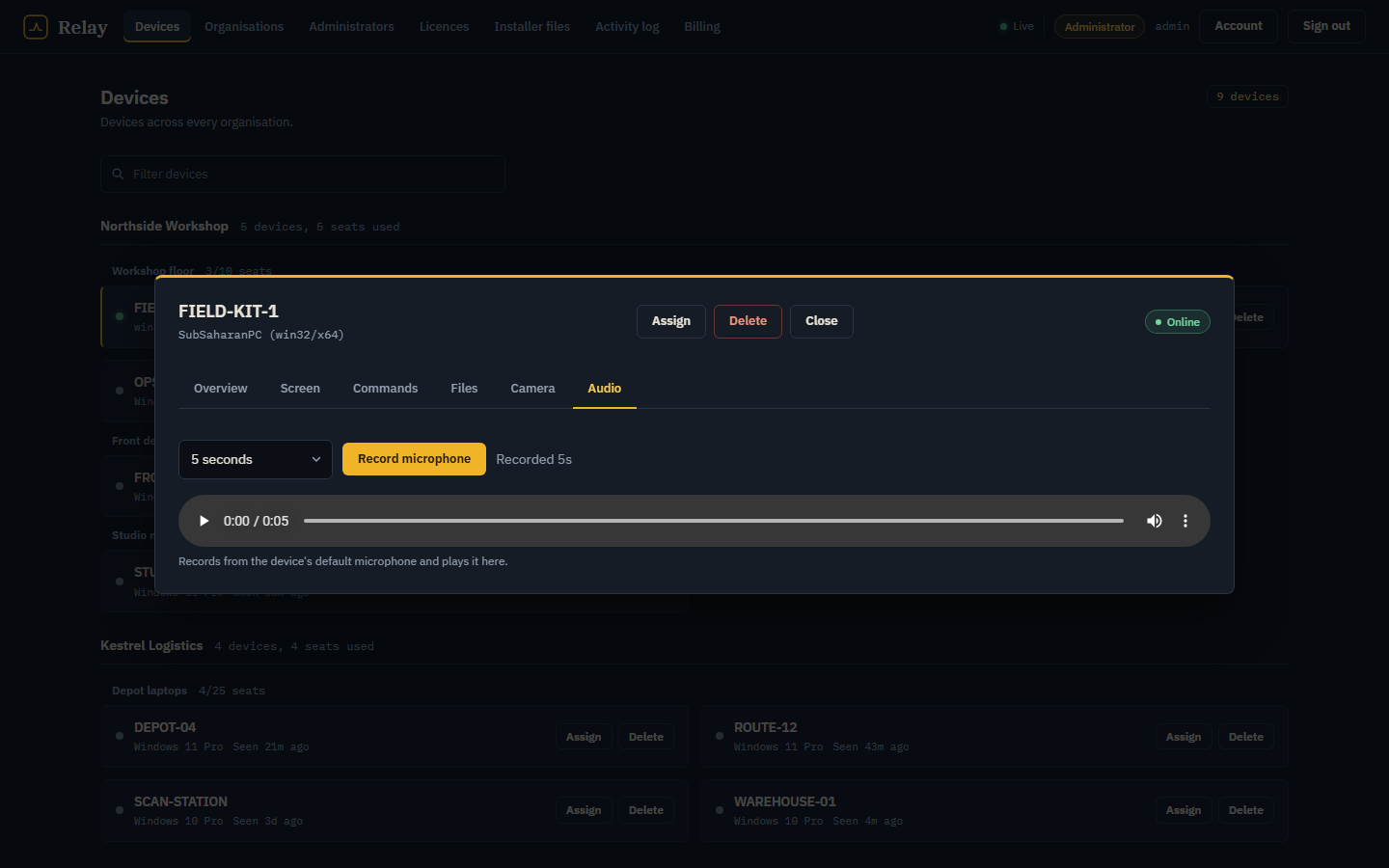
Take a still from the device camera or record a short clip from its default microphone. Both use Windows' built-in media paths, so there is no extra runtime to install.
jpeg snapshot · wav recording · per-action audit
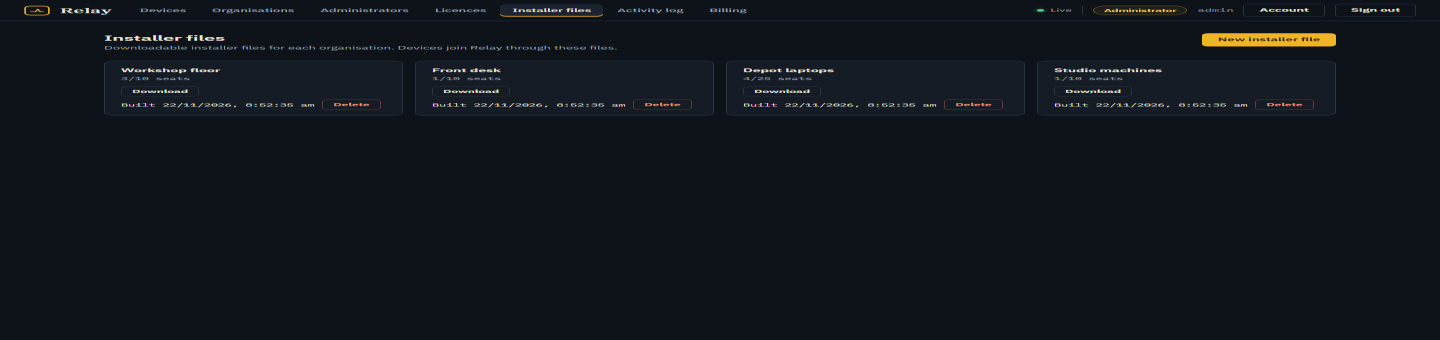
Each installer file carries its organisation, server URL and enrolment token. Build hidden, silent, progress-only or wizard packages, then hand over one download.
per-file build · seat limits · versioned artifacts
Issue a licence with file and seat limits, watch seats fill, and bill the plan that applies. Crypto signups land as invoices you confirm before a licence is attached.
plans · invoices · 30-day licence terms
These are captures of the running product with demonstration data. Nothing here is a concept render.
Pricing
Choose a plan, send the exact amount to the address shown, and submit the transaction hash. Coin amounts are converted from the monthly price at live market rates. An administrator confirms the transfer and a 30-day licence is attached to your organisation.
Loading plans…
Each plan sets installer files, seats per file and the monthly price.
USDT, BTC or ETH. The signup page shows the address, amount and a QR.
An administrator confirms it, then the licence is issued automatically.
A licence covers one organisation. Each confirmed invoice extends it by 30 days. Unpaid organisations stay locked to the payment page.
The agent connects to the server URL baked into its installer. There is no Relay cloud account, no vendor relay and no third-party screen service. If your server is only reachable on your network, that is the whole reachable surface.
Windows 10 or 11 and the installer. Screen, command, file, camera and microphone helpers use APIs that ship with Windows. The agent runs as the signed-in user and starts again at logon.
You send the exact amount and submit the transaction hash from your wallet. An administrator checks it against the receiving address, then marks the invoice paid. The licence is issued in the same step, for 30 days.
The administrator can reject the submission with a reason. Your organisation stays pending, and the payment page lets you correct the hash and resubmit. Nothing is deleted.
The plan's licence sets the file limit and seats per file. Each file carries its own organisation, enrolment token and build settings. When the licence changes, seat overflow is recalculated.
Start with a single installer and a plan. Add seats when the next PC arrives.